Course Curriculum & Learning Progression
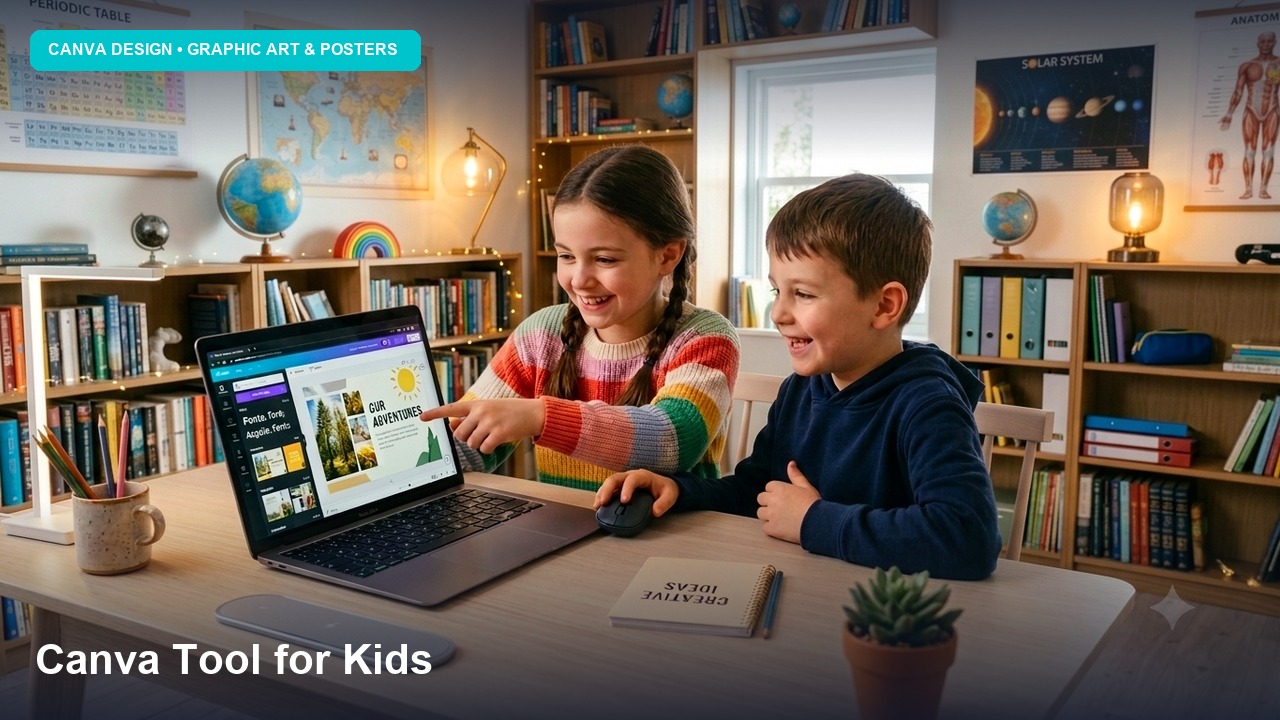
The Canva for Kids curriculum at Axilearn is hands-on, project-based learning aligned with NEP 2020. Each level builds on the one before:
- Level 1: the Canva editor, colour, typography and basic layouts
- Level 2: design principles, infographics, animated presentations and video storytelling
- Level 3: branding, social media design, multi-page publications and a published portfolio website
Responsible Digital Creator:
Digital citizenship, copyright awareness and responsible use of AI are built into every level.
LMS Video Format:
Students can join anytime. They get on-demand video tutorials, self-check quizzes, and downloadable templates and asset packs on the Axilearn LMS.
Structured Level Breakdown
Level 1
OPEN & FREE LEVEL
Design Sprout 🌱
Getting comfortable in Canva: the editor, elements, text and fonts, colour palettes, photos and layers, used to create cards, bookmarks and posters.
Prerequisites: None (basic mouse/touch skills)
Canva Tools: Templates, Elements, Text, Photos, Uploads, Draw, Position & Layers
Topics Covered:
- Welcome to Canva: the homepage, creating a design, custom sizes, and a tour of the editor
- Elements: shapes, lines, frames, grids, stickers and graphics
- Text & Fonts: headings and body text, text effects, and simple font pairing
- Colour Magic: the colour wheel, palettes and contrast
- Working with Photos: cropping, flipping, filters, adjustments, and uploading your own images
- Arranging Designs: position, alignment, grouping, locking, layers and transparency
- Draw Tool: freehand sketching and doodles
- Save & Share: downloading PNG, JPG and PDF files, and sharing view links
- Being a Safe Creator: using licensed content, never copying others' work, and keeping personal details private
Mini Projects:
Name Badge · Birthday Card · Reading Bookmark · Class Timetable · Festival Greeting (Diwali/Navratri) · "My Favourite Animal" Fact Poster
Project Output:
All About Me poster and greeting card set, a personal poster and a set of 3 themed digital greeting cards with a consistent colour palette
Level 2
SESSIONS WITH INSTRUCTOR
Story Studio 🎬
Design principles, infographics and charts, animated presentations, comics, whiteboard mind maps, and short videos with voiceover, all for school projects and storytelling.
Prerequisites: Design Sprout, or basic Canva skills
Canva Tools: Charts, Presentations, Animate, Video Editor, Whiteboards, Record Yourself, Comments
Topics Covered:
- Design Principles: contrast, repetition, alignment, proximity, hierarchy and white space
- Layout Tools: rulers, guides, grids and margins
- Infographics & Charts: turning data into bar, pie and line charts, plus icon-based infographics
- Presentations: slide design, consistent themes, Presenter View and speaker notes
- Animation: page and element animations and transitions, exported as GIF or MP4
- Comics & Storyboards: panel layouts, speech bubbles and sequencing
- Video Editing: the timeline, trimming, splitting, text overlays, music, transitions and voiceover
- Whiteboards: mind maps, brainstorming and graphic organisers
- Collaboration: sharing, commenting and working on a design together
- Citing Sources: credits for images, facts and music
Mini Projects:
Water Cycle Infographic · Book Review Slide Deck · 4-Panel Comic Strip · Mind Map on Whiteboard · Animated Party Invite (GIF) · 30-Second School Event Video
Project Output:
Animated Science Explainer, an 8–10 slide animated presentation with charts plus a 60-second explainer video with the learner's own voiceover
Level 3
SESSIONS WITH INSTRUCTOR
Brand Builders 🏆
Thinking like a designer: logos and brand identity, social media packs, multi-page magazines and newsletters, motion graphics, print-ready files, responsible use of AI tools, and a published portfolio website.
Prerequisites: Story Studio
Canva Tools: Logo & Brand Styles, Docs, Websites, Mockups, Magic Studio AI (Pro)
Topics Covered:
- What is a Brand? Logo, colours, typography, imagery and brand voice
- Logo Design: simple, scalable logo versions for light and dark backgrounds
- Brand Style Guide: documenting colours, fonts and usage rules (with Brand Kit where available)
- Social Media Design: Instagram post and story, YouTube thumbnail and banner, and designing for each platform
- Multi-Page Publishing: magazines, newsletters and digital workbooks
- Motion Graphics: custom animation paths, animated logos and intro/outro clips
- Print-Ready Design: margins, bleed, print PDFs and product mockups
- Websites: building and publishing a one-page portfolio site
- AI Design Tools (Pro): text-to-image, AI writing, background remover and Magic Resize, plus when to use AI and how to disclose it
- Digital Citizenship: copyright, originality, and ethical content creation
Mini Projects:
Eco Club Logo & Style Guide · Social Media Launch Pack (post + story + thumbnail) · School Newsletter · Animated Logo Intro · T-shirt & Mug Mockup · Event Ticket & Poster Set
Project Output:
My Brand Launch Kit, a complete brand for a fictional business or school club. It includes a logo, a style guide, a 5-piece social media pack, a 30-second promo video and a merchandise mockup, all showcased on a published portfolio website.
Course Summary
Target Age:
Ages 8–16
Levels:
3 Levels: Design Sprout → Story Studio → Brand Builders
Total Duration:
24 Weeks (~48 hours)
Format:
Self-Paced Video
Platform:
Canva (Free plan covers course)
Requirements:
Laptop/Desktop/Tablet & Internet
Certificate:
Axilearn Certified (Each Level)
Access:
Free on Axilearn LMS
Key Highlights:
- 100% free self-paced video tutorials
- A clear path from greeting cards to full brand identity
- Design principles and typography cheat sheets
- Infographics, animated presentations and video editing
- Responsible AI design tools and digital citizenship
- Export to PDF, PNG, JPG, GIF & MP4, plus portfolio website
- 18 mini projects and 3 level-end projects
Under-13 Note:
Learners under 13 should be supervised by a parent or teacher. Canva Free covers all required topics; partner school teachers can invite students to Canva Education.
